Tee Times
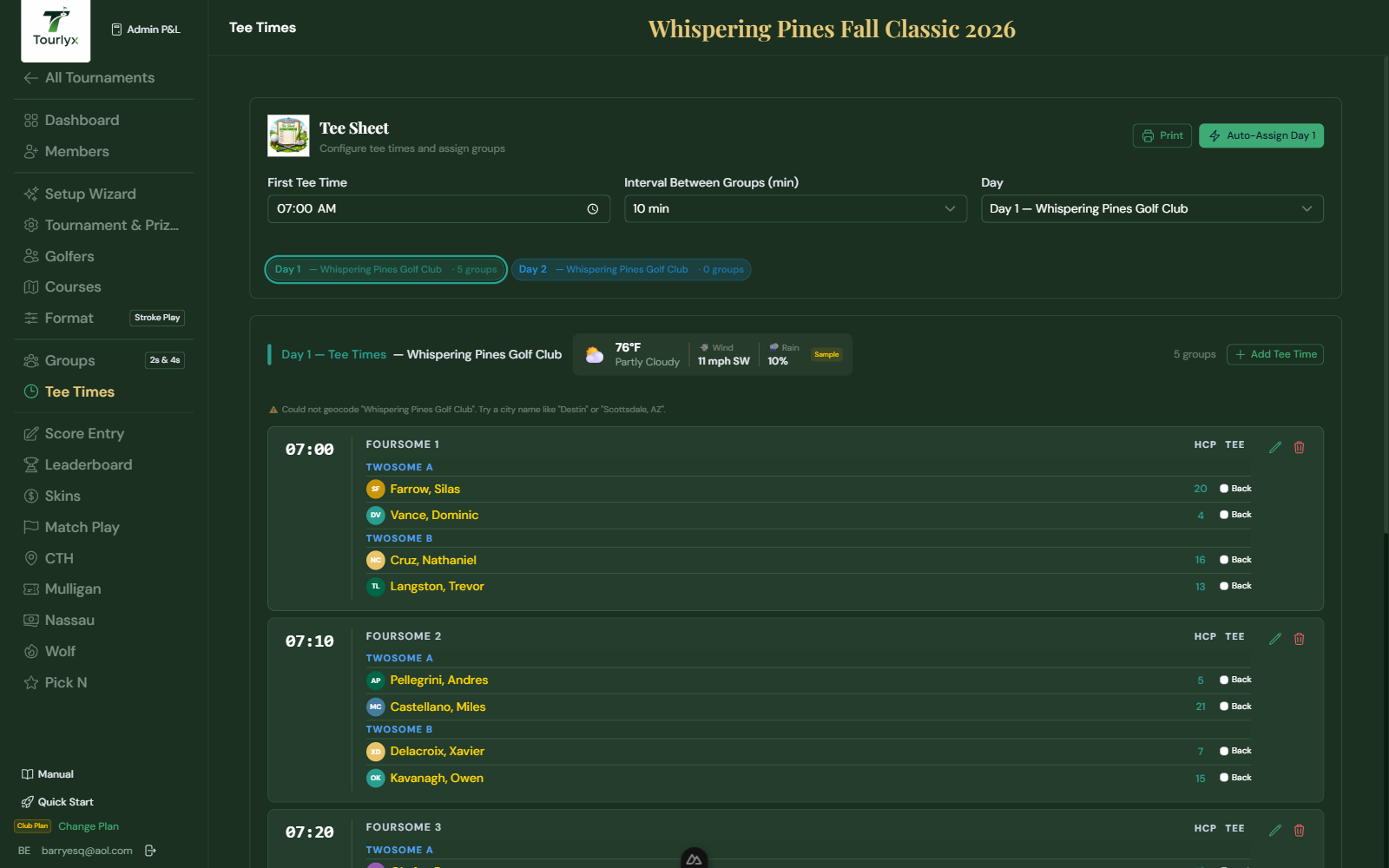
Tee times allow you to assign a specific starting time to each group. This is optional but recommended for organized shotgun or tee-time starts.
Setting Up Tee Times
- Click Tee Times in the tournament navigation.
- Select the day.
- Click Add Tee Time.
- Select the Time from the dropdown (7:00 AM to 2:00 PM range).
- Link one or more Pairings to this tee time.
- Click Save. Repeat for all groups.
Tip: Tee times appear on the printed Pairings sheet next to each group, making distribution to golfers straightforward.